Digital Entertainment Credit
This $25/month credit ($300/year) fully covers most streaming or news subscriptions — Disney+, Hulu, ESPN+, Peacock, Paramount+, YouTube Premium, The New York Times, or The Wall Street Journal. One subscription uses it entirely; add a second and you're covered twice over.
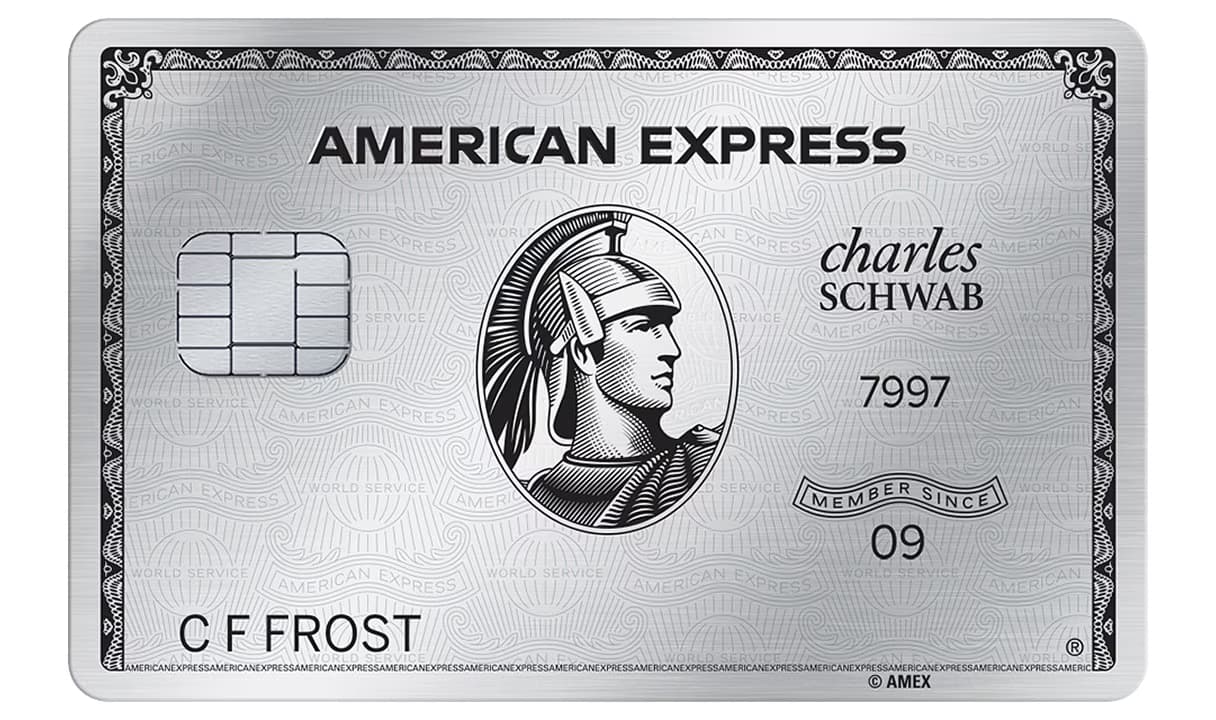
Which cards have it: American Express Platinum ($895 fee), American Express Platinum (Charles Schwab) ($895 fee) and American Express Platinum (Morgan Stanley) ($895 fee).
Where it works
How to claim it
- 1
Get a qualifying card including American Express Platinum, American Express Platinum (Charles Schwab), American Express Platinum (Morgan Stanley).
Enroll in the benefit in the Benefits section of your americanexpress.com account or by calling the number on the back of your Card.
Enroll now → - 2
Subscribe to any eligible streaming or news service (Disney+, Hulu, ESPN+, Peacock, Paramount+, YouTube Premium, NYT, or WSJ) and pay with your Amex Platinum.
- 3
Your $25 credit will appear on your card statement, typically within 1-2 billing cycles after qualifying purchases.
⏰This benefit resets on the 1st of each month. Unused credits don't roll over.
What we'd do
- •Don't choose Paramount or Peacock - get them free through the Walmart+ Subscription Credit instead
- •Disney+, Hulu, and HBO Max bundle ($19.99/month) is the best value for one subscription
Cards that carry this credit
3 ACTIVE CARDS

Questions
How much is the Amex Digital Entertainment Credit worth?
Up to $25 a month, $300 a year.
Which credit cards come with the Digital Entertainment Credit?
The Amex Digital Entertainment Credit comes with 3 cards: American Express Platinum ($895), American Express Platinum (Charles Schwab) ($895) and American Express Platinum (Morgan Stanley) ($895).
What can I use the Amex Digital Entertainment Credit on?
This $25/month credit ($300/year) fully covers most streaming or news subscriptions — Disney+, Hulu, ESPN+, Peacock, Paramount+, YouTube Premium, The New York Times, or The Wall Street Journal. One subscription uses it entirely; add a second and you're covered twice over.
Do I need to enroll in the Amex Digital Entertainment Credit?
Yes. Enroll in the benefit in the Benefits section of your americanexpress.com account or by calling the number on the back of your Card.
When does the Amex Digital Entertainment Credit reset?
It resets at the start of each calendar month. Unused credit doesn't carry over.
Is the Amex Digital Entertainment Credit worth it?
If you'd spend $300 a year at Paramount+, YouTube Premium, YouTube TV or the other eligible merchants anyway, it's worth the full $300. If not, it's worth only what you would have spent.
Is the Amex Digital Entertainment Credit included with the American Express Platinum?
Yes, the Amex Digital Entertainment Credit is included with the American Express Platinum and 2 other American Express cards.
Other streaming credits
Benefit values shown are at face value and do not account for personal spending patterns. Terms, eligibility, and enrollment requirements are set by the card issuer and may change. Confirm details on your issuer’s website before making decisions based on this page.